Login to ZOMI for Restaurant
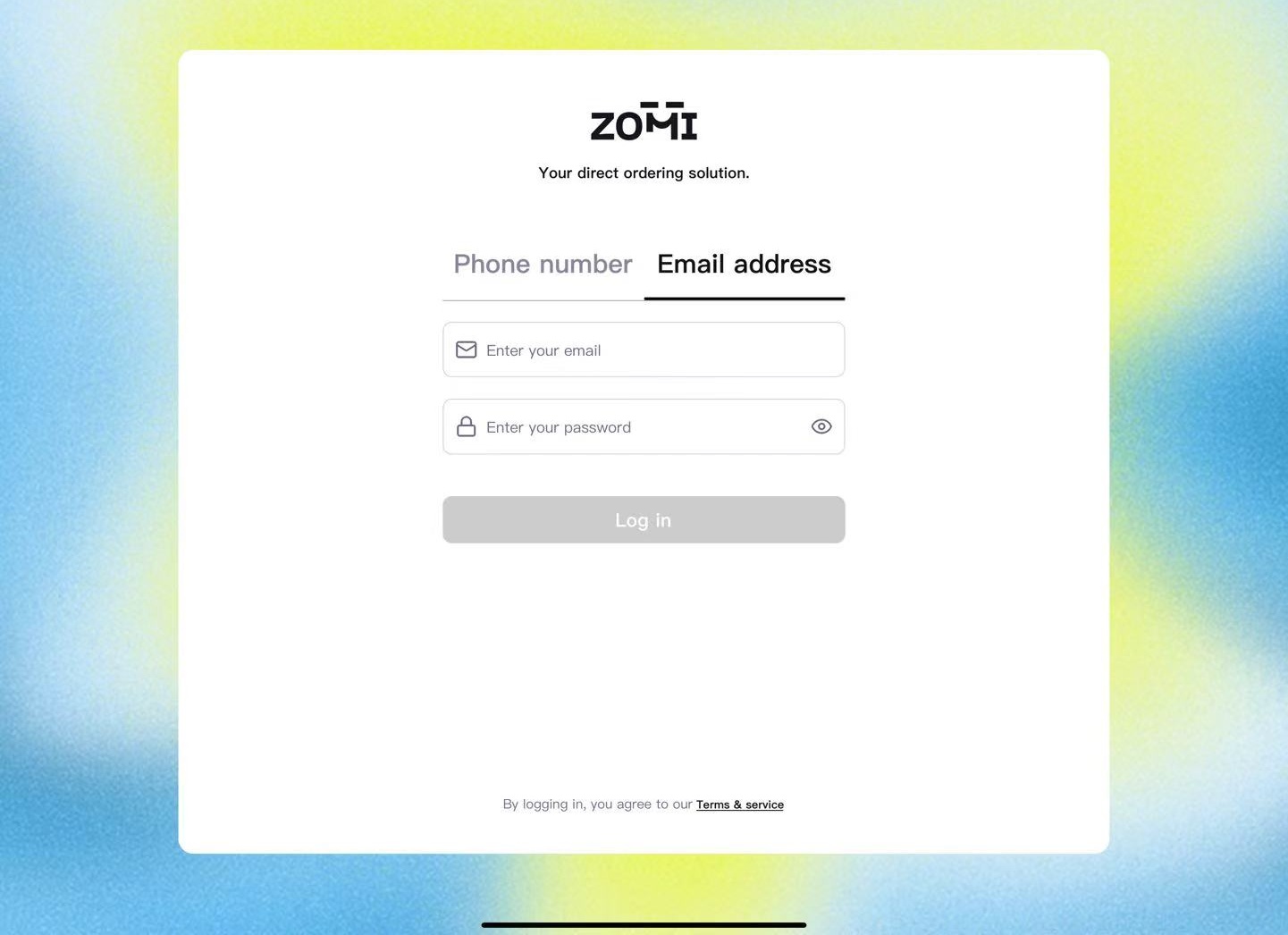
ZOMI for Restaurant supports login from any tablet or mobile device. For your initial login, we recommend using the store manager’s email. Your initial password is the one provided during registration.
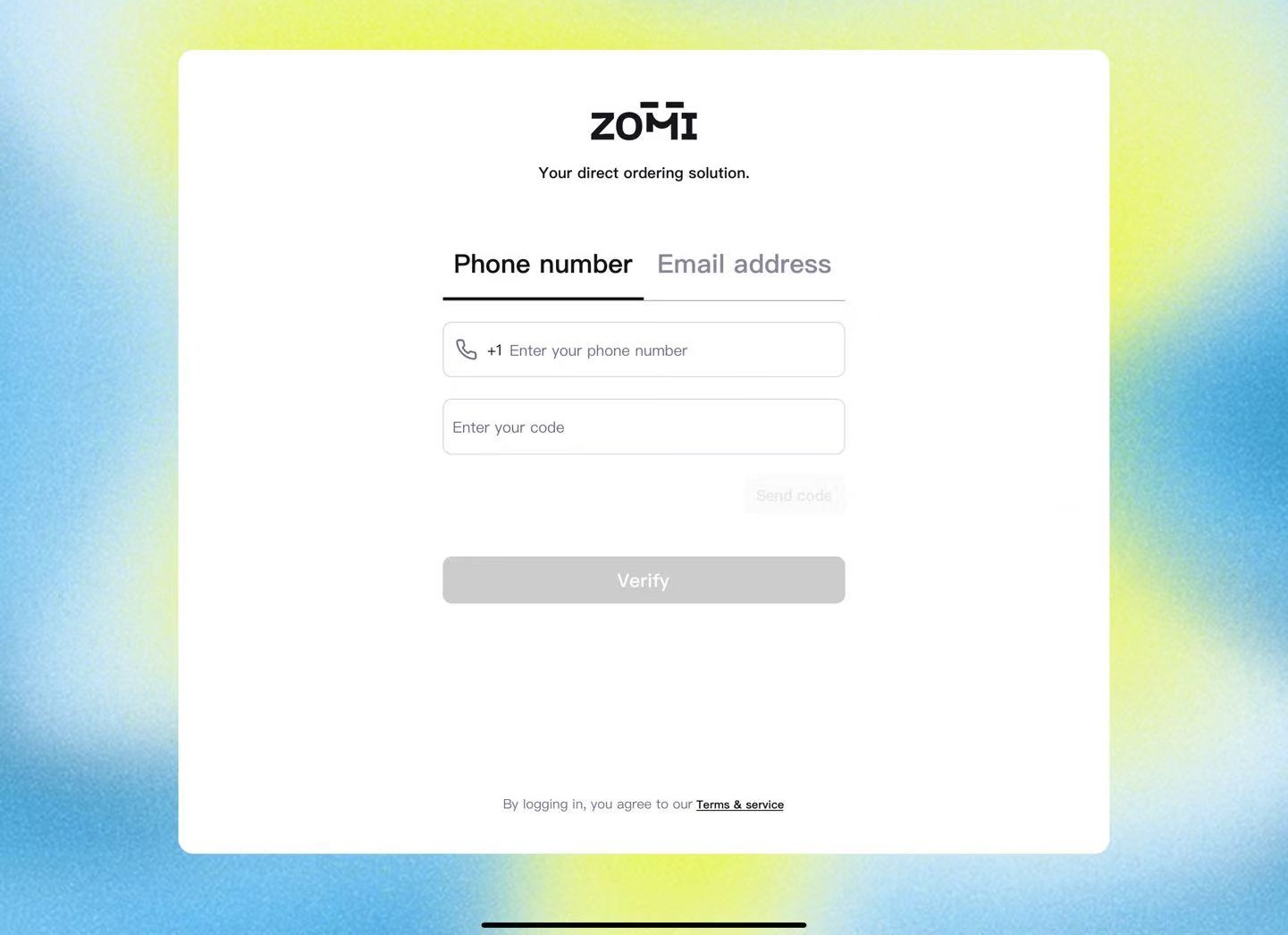
You can also log in using a mobile verification code. Enter the phone number provided during registration and click SEND CODE to receive your login code.
Steps to Log In
- Open the App
Launch ZOMI for Restaurant. - Enter Email + Password
Log in using the store manager’s email and password. - Or Log in with a Phone Verification Code
Enter the store manager’s phone number and tap Send Code to receive a one-time verification code.
Get Help
If you encounter any login issues, please email hello@zomi.menu.